

This article is about Box Shuttle in the Admin Console. If you’re using legacy Box Shuttle, a standalone tool, see legacy migration guides.
- auditing what source content went to what location,
- identifying the content to migrate and planning the strategy of working with users,
- checking errors in the migration process to identify what went wrong.
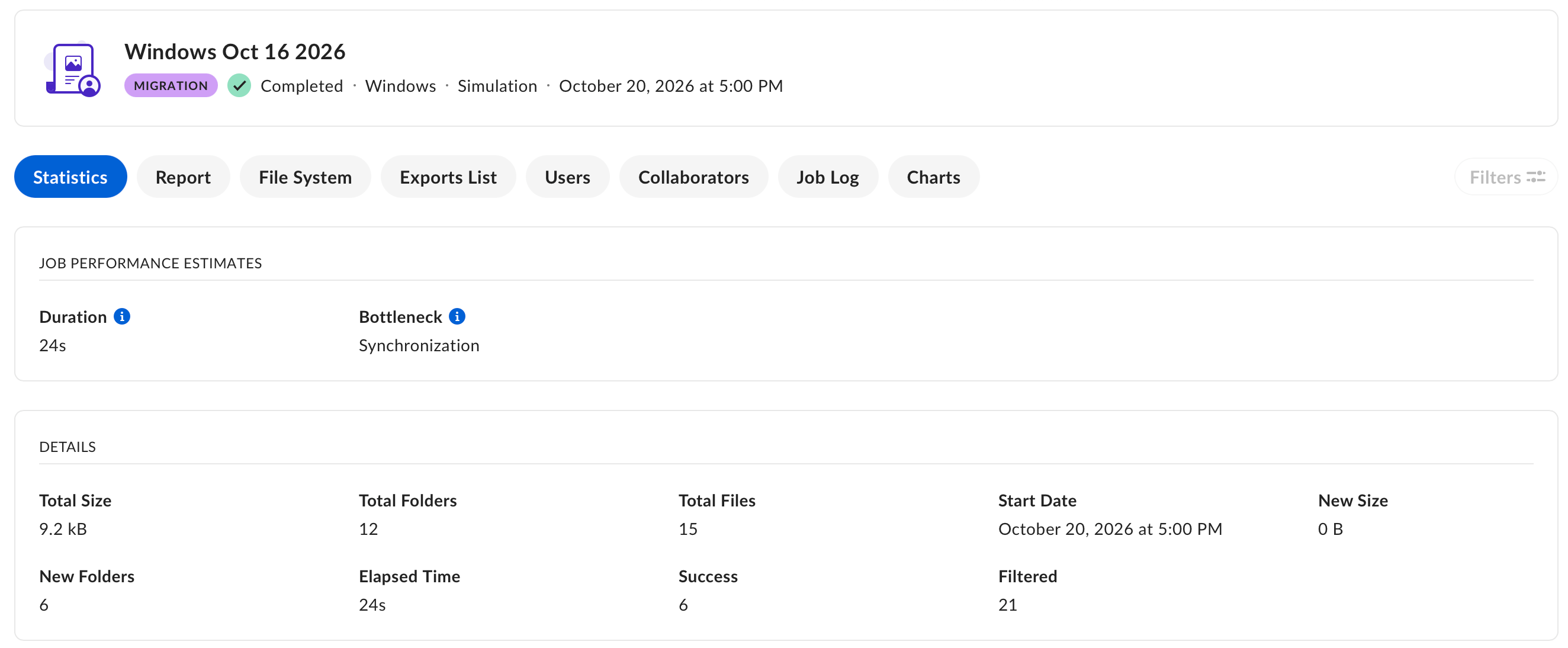
Reports and jobs
Reports created for specific job types have different purposes.Box retains raw job data in Shuttle for 90 days after job completion. For details, see Job Report Archive.