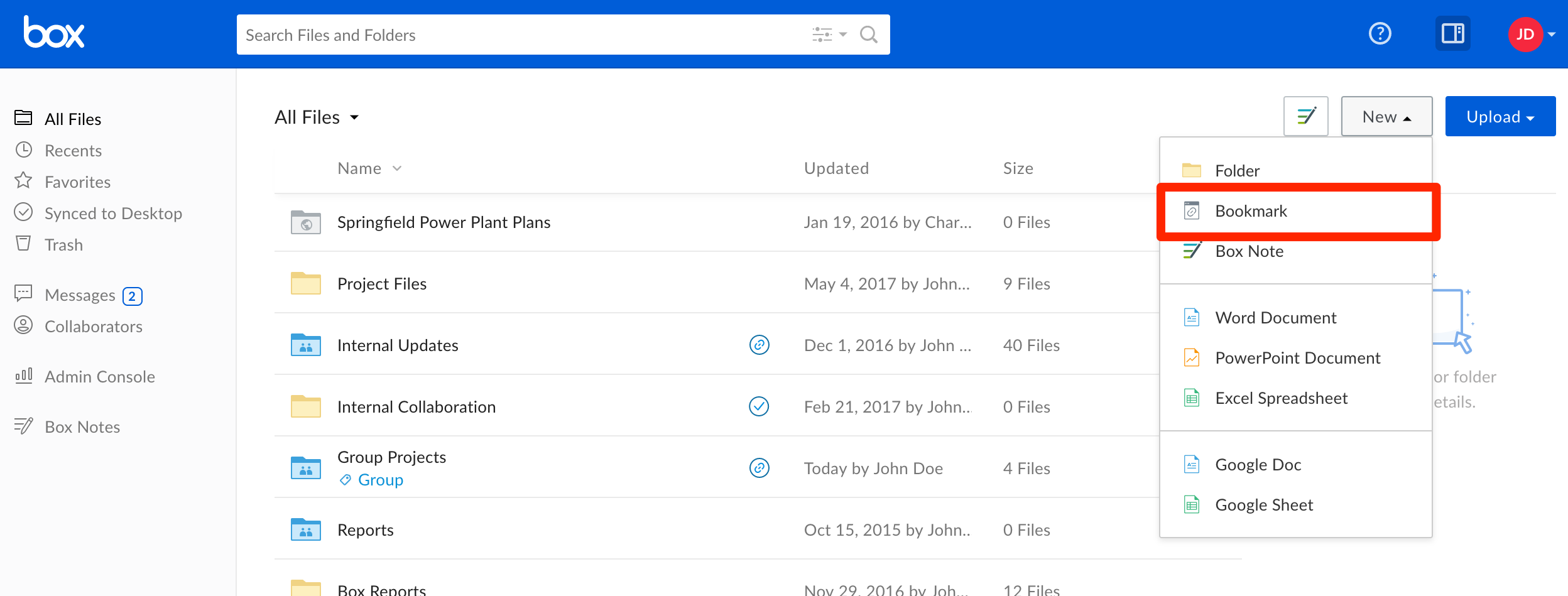
You can save any webpage to Box as a bookmark, helping you organize and quickly access the web-based content you visit most often. You can also use bookmarks as quick links to content for which you only have “viewer” permissions.
To create a bookmark:
-
Click the New button found in the upper-right corner of the page. Select Bookmark.
-
A pop-up window will appear prompting you to enter the URL you wish to bookmark, and a name for your new bookmark. A description is optional.
-
Click Create to complete the process.
Your bookmark will appear in the folder you are currently viewing. Clicking it will open the page in a new tab.
Limitations:
Last modified on September 3, 2026