As an admin, you can generate a usage activity report on Relay. This report shows who has created, modified, or deleted a workflow in your organization.
You can view the report directly when you run it, and/or export it as a .csv file to your default reports folder in Box.
To view who has created, edited, or deleted workflows:
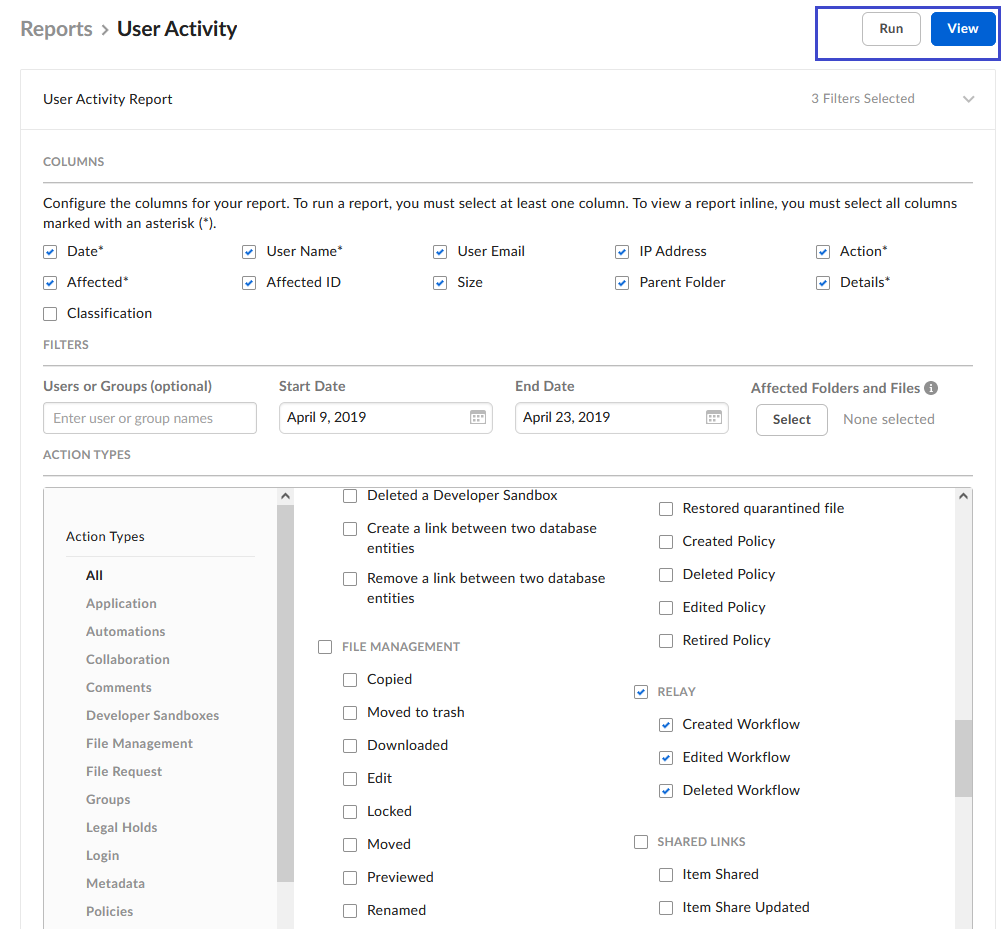
- From your admin console, go to Reports > Create Report > User Activity.
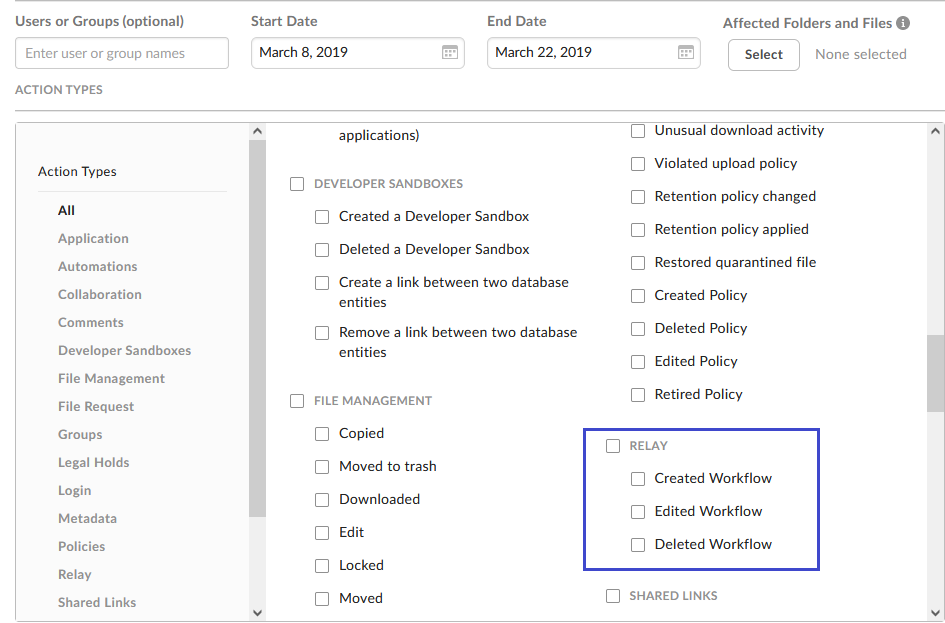
- Using the righthand scrollbar, scroll down to the Relay section.
- To see everyone who’s either created, edited, or deleted a workflow, check Relay and then, in the top-right portion of the screen, click View. The report displays.
- To see only people who’ve performed one or two of those actions, leave Relay clear, check the corresponding box or boxes, and then click View. The report displays.
- To export the report as a .csv file click Run. (You can do this either before or after you view the report.) Box uploads the report to the default Reports folder in your Box user account.
Last modified on February 19, 2026