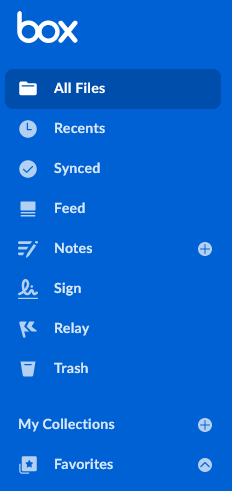
For the people you enabled Relay for, a link to Relay displays in the lefthand navigation of their Box Web app home page.
You can enter up to 100 names/email addresses and up to 100 groups. If you want to enable or disable more, you’ll have to enable or disable Box Relay for the entire organization.
You can only select groups that have Permission Setting set to Admins Only. For details, see Creating and managing groups.
Also, even if you disable Relay for all managed users in your enterprise, admins and automations co-admins still have Relay - that is, regardless of this setting, admins and automations co-admins always have Relay.
If an individual who has created workflows leaves the organization, you can transfer their workflows and their content to someone else. To do this, from your Admin Console, navigate to Users and Groups, select the user you want to delete, and then go to the Edit User Account Details section to delete the user and transfer their content and workflows.
Last modified on July 8, 2026
Was this page helpful?
Assistant
Responses are generated using AI and may contain mistakes.