This article is about Box Shuttle in the Admin Console. If you’re using legacy Box Shuttle, a standalone tool, see legacy migration guides.

Set up Dropbox for Business as the source system

  1. Provide a unique name for the job.
  2. Select Dropbox.
  3. Follow the on-screen instructions to connect Dropbox for Business
    1. Log in with your admin credentials.
    2. Authorize Box Shuttle to access your data.
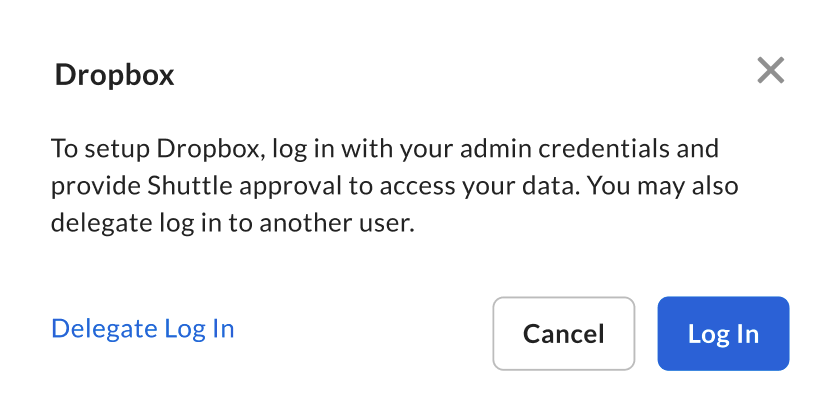
Dropbox setup dialog with admin login instructions, Delegate Log In link, and Log In button.
Box Shuttle does not support migrating from Personal Dropbox accounts, only from Business accounts.

Dropbox for Business migration specifics

Common errors and troubleshooting

The following table describes common migration errors and their solutions.

Additional considerations

Dropbox Paper files are not transferred during migration.
Last modified on July 10, 2026