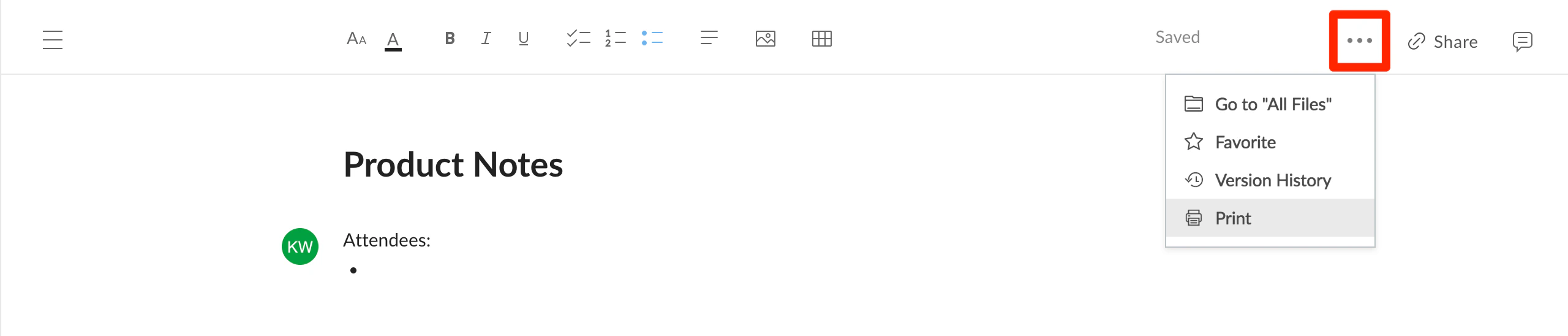
To print Box Notes, open the More Options menu (the ellipses in the upper right corner) and select Print.
Printing using your operating system’s File menu will not work correctly. This is because most browsers have difficulty determining the location of content within the Box Notes webpage.
Last modified on July 8, 2026
Was this page helpful?
Assistant
Responses are generated using AI and may contain mistakes.