

This article explains how to create a new, blank Box Note. You can also create a new Note from a template.
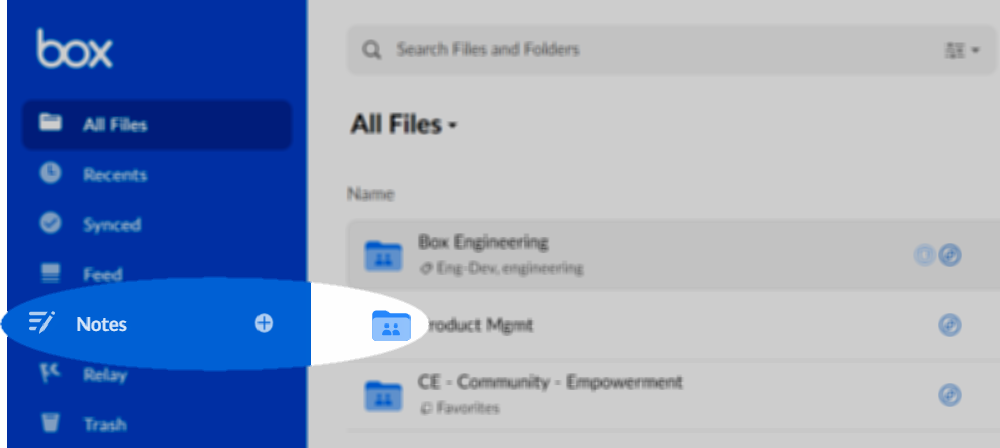
- In the lefthand navigation, next to the Notes listing, select the plus icon.
- Navigate to the folder you want.
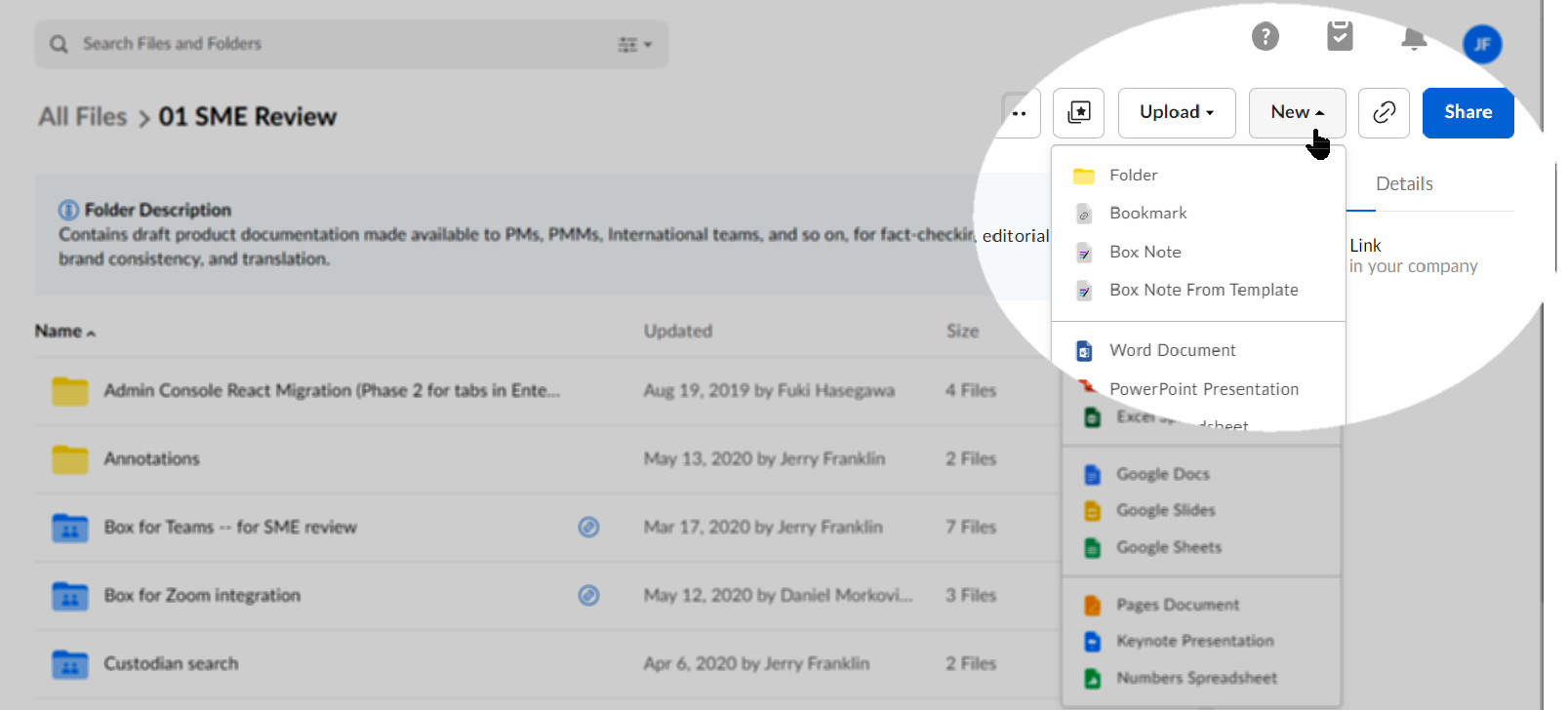
- From the top navigation, select New, and from the list that displays, select Box Note.
- Directly from an existing Box Note. To do this, open any Box Note, navigate to the top navigation and select New.
- Via https://app.box.com/notes/create_note. Save this URL as a shortcut or bookmark in your browser. Then select it to open a new, blank Box Note.
You can’t use forward slashes and backslashes in the title of your Box Note. Box will not save titles containing these characters.