

Enabling Canvas
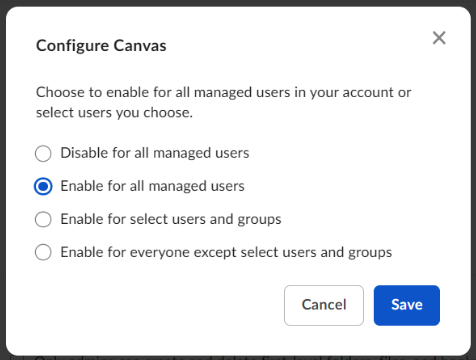
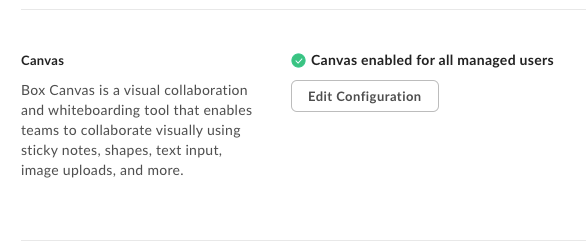
To configure Box Canvas, open the admin console and navigate to Enterprise Settings → Content and Sharing. Scroll down to the Canvas section. There are four configuration options available for Canvas:- Disable for all managed users,
- Enable for all managed users,
- Enable for select users and groups,
- Enable for everyone except select users and groups.
Enabling Box Canvas for specific users has the following limitations: You can enter up to 100 names/email addresses and up to 100 groups. If you want to enable or disable more, you have to enable or disable Canvas for the entire organization.