Box Automations is a legacy Box feature. Box released a re-architected and significantly enhanced Box Relay in June, 2019, which is more powerful and includes a much larger range of trigger and output events, including files, folders, tasks, metadata, and more, and we recommend all Automations users transition to Box Relay for any workflow needs.
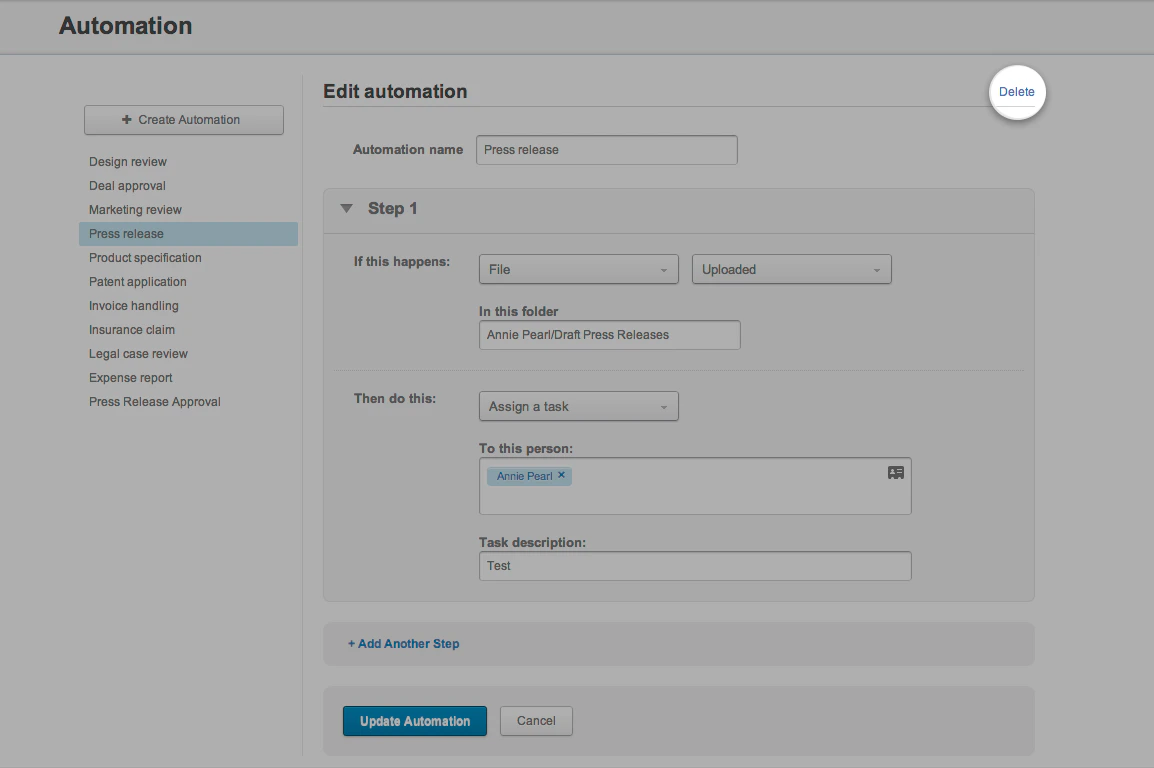
To delete an existing automation
- From the Admin Console, in the lefthand navigation, click Content.
- Toward the top of the page, click Automation.
- From the list on the left, select the automation you want to delete.
- In the upper-right corner, click Delete, and confirm your choice at the prompt.