

-
In the Files section, select New + button in the upper-right corner.
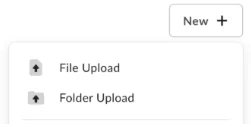
- Select File Upload or Folder Upload, depending on what you’d like to upload.
- Select the file(s) or folder you’d like to upload.
- You can select multiple files for upload by holding the Command or Control key (Mac or Windows, respectively) while selecting files. However, you can only select one folder at a time for upload.
- Select Open or Upload.
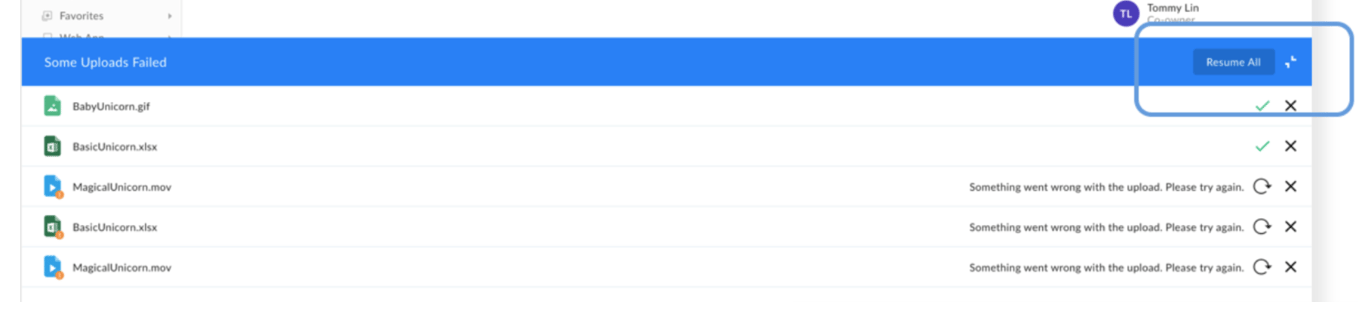
- In the Uploads Manager header click Resume All, or
- In the Uploads Manager click Resume.
- In the Uploading dialog window, select Cancel All. Box displays the Cancel All Uploads dialog window.
- In the Cancel All Uploads dialog window, select Cancel All.
If you are having trouble uploading files, here are some possible issues and solutions: