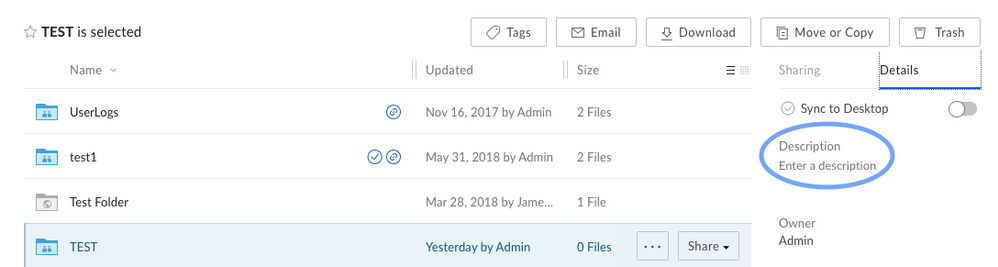
A Description can be added to Folders or Files on the Box Web Application, as long as you have Editor access in the folder. 255 characters is the maximum character limit for the Description field.
Folder:
- Click the folder (do not open the folder).
- In the right pane under Details, you will see the Description where you can enter or modify a description.
File:
- Click the file (do not Preview the file).
- In the right pane under Details, you will see the Description where you can enter or modify a description.
Last modified on July 10, 2026