Your organization may also have unmanaged users. These are people who are part of your organization but are using unlicensed Box accounts, possibly because they signed up for an account on their own, or already had one, outside of your organization. Unmanaged users may or may not also be external users, but they also represent a potential security risk, as they are not subject to your organization’s Box security and compliance policies. Run a User Details report to identify your unmanaged users.
Differences Between External and Managed Users
With Box, you can invite collaborators from outside your company into folders you own. These users, known as External Users, can be given the same permission levels and have access to the same Box features as your Managed Users. Here is a quick overview on the differences between managed and external user abilities:
If you invite a consultant or temporary contractor into one of your Box folders, they will have the same types of permissions and features you normally grant your Managed Users.
However, the following differences between Managed and External Users apply for administrative control:
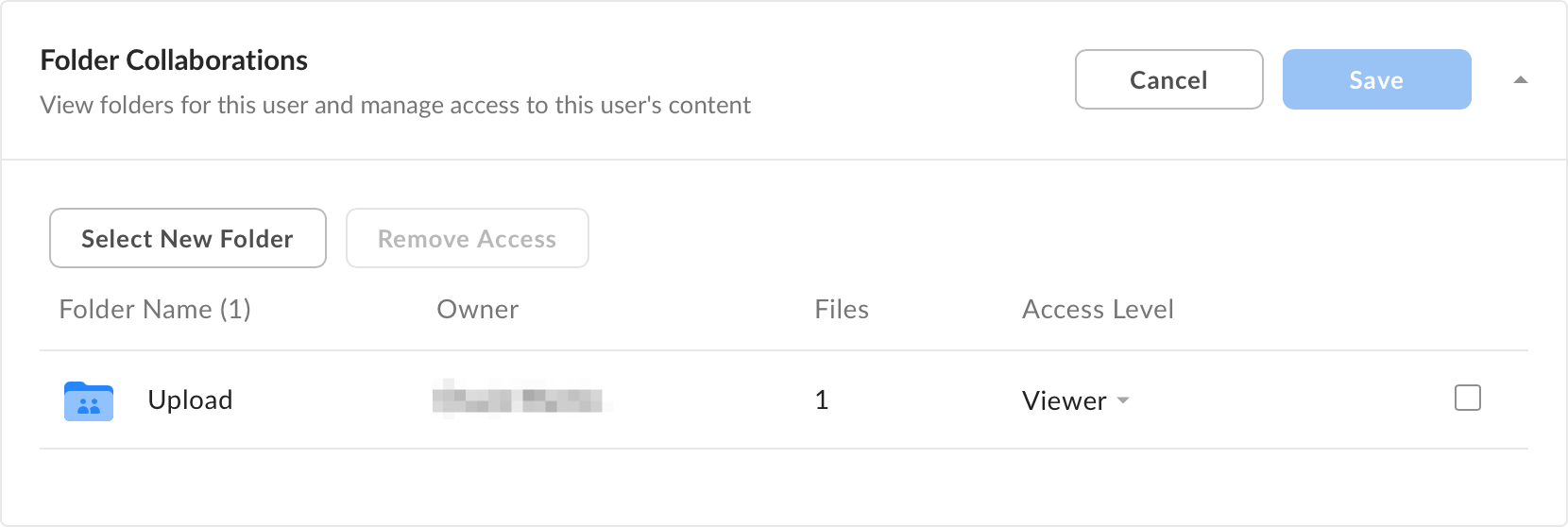
You can grant or revoke external users’ access to your content at any time. Their actions will show up in any reports you run. However, because they are not part of your company’s Box account, you don’t have direct control over the content they own or their Box account settings. When you open an external user’s profile, you will see the following: