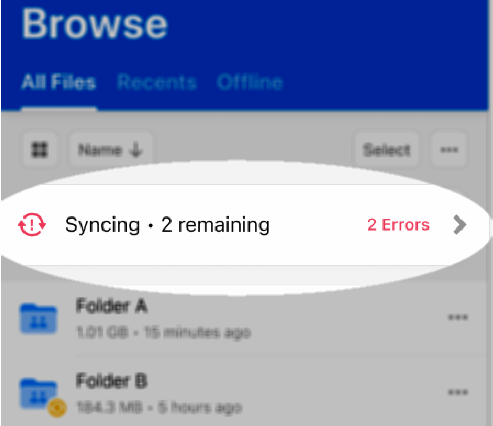
When you’re
- uploading or downloading a file or folder,
- moving or copying a file or folder, or
- marking for offline access a file or folder,
the status-and-transfers icon at the top of the screen displays the current progress of the action. The status-and-transfers icon also enables you to cancel the action, retry a failed action, or retry an action that returned an error.
To see the detailed status of the action: tap the status-and-transfers icon.
To Cancel or Retry the action:
- Tap the status-and-transfers icon. Box displays the status window.
- Beside the file or folder name, tap the loading icon and select the option you want to perform.
Last modified on February 19, 2026