Installing the Template Creator add-in for Microsoft Word
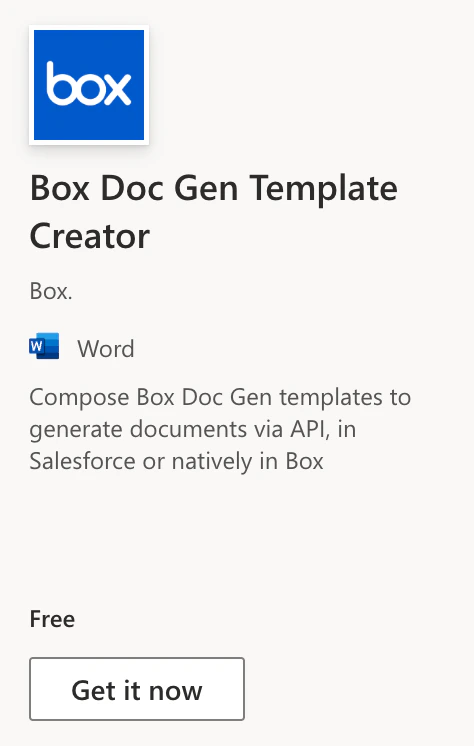
The Box Doc Gen Template Creator add-in for Microsoft Word enables teams to create and author Box Doc Gen templates that use Box Doc Gen placeholder tags to dynamically generate content and automatically format the generated document with data from custom and third-party applications through the Box Doc Gen API.With the add-in you can create conditional logic, arithmetic calculations, and dynamic, self-formatting tables and lists when dynamically generating custom documents.When configuring Box Doc Gen templates, you can either upload structured JSON data to populate content with tags or create the tags manually.
To use Box Doc Gen, you must have access to Microsoft Word, as it is required for creating and authoring Box Doc Gen templates. You can utilize the Box Doc Gen Template Creator add-in in Microsoft Word to apply tagging scripts within Microsoft Word to prepare your Box Doc Gen templates.
Box Doc Gen is designed to facilitate the dynamic generation of business documents, but it is important to note that Box does not have control over users’ access to Microsoft Word. Users must ensure they have the necessary permissions and access to Microsoft Word to create and author document templates effectively.
The Box Doc Gen Template Creator add-in installation process differs depending on whether you are using the desktop application or online version of Microsoft Word.
Open an existing document or create a new document.
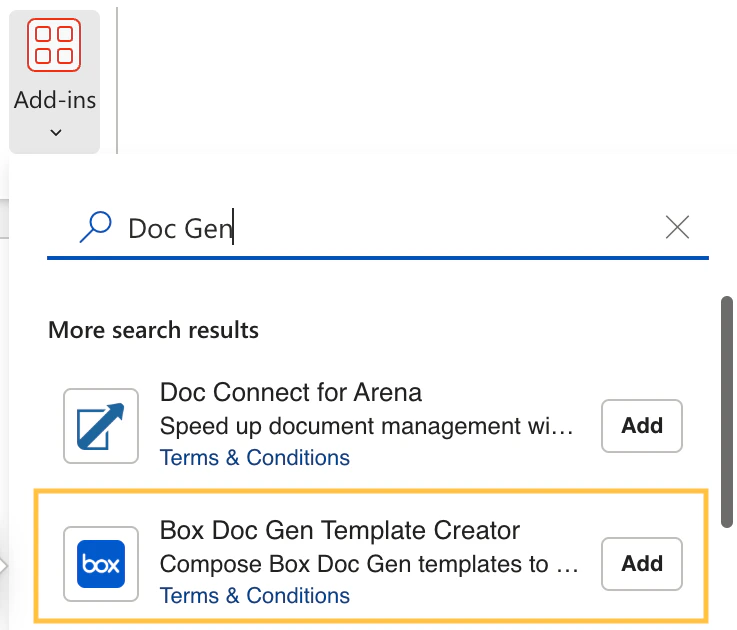
From the menu ribbon, select Home > Add-ins.
Select the Box Doc Gen Template Creator from the list.
After successfully installing the Box Doc Gen Template Creator add-in, it will be available in the menu ribbon. Once you select the Add-in button, the Box Doc Gen panel will appear on the right.If you cannot view the panel, select the Box Document Generation icon to activate it.
Last modified on August 4, 2026
Was this page helpful?
Assistant
Responses are generated using AI and may contain mistakes.