- Go to Relay > Doc Gen.
- Select the template, and then select the ellipsis (…).
- Select Generate Document.
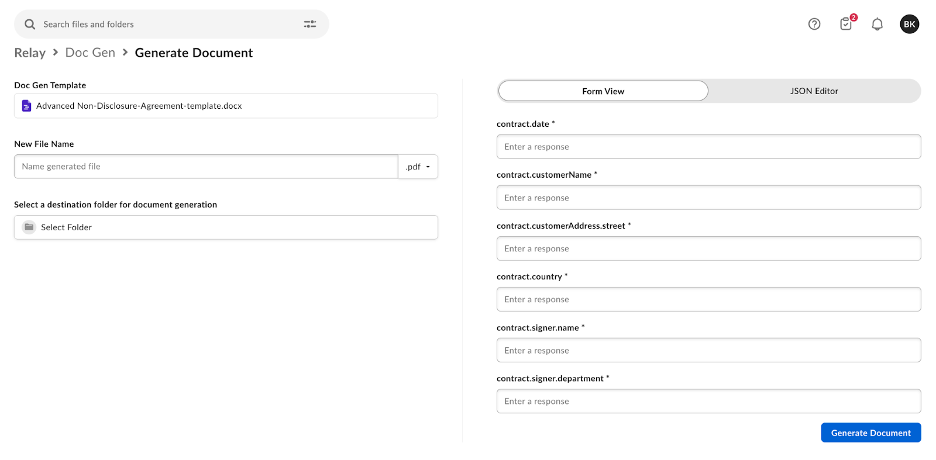
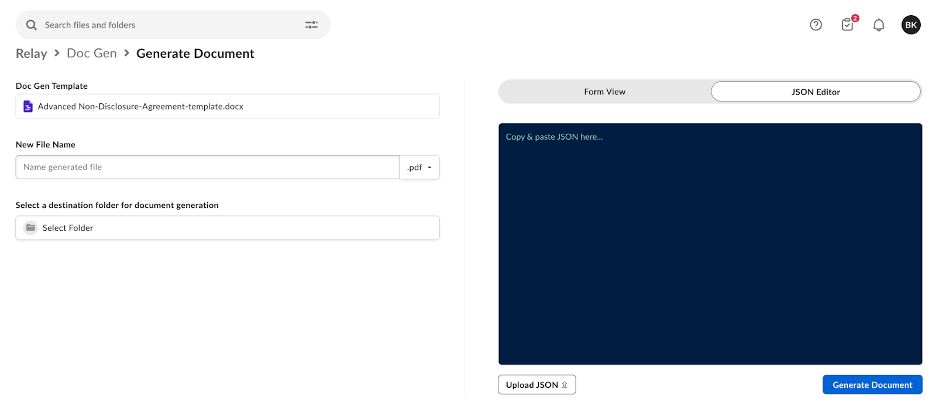
- Use either the Form View to manually fill in data that auto-populates within the Box Doc Gen template placeholder text tags or leverage the JSON Editor to copy, paste, or upload JSON data to generate the placeholder tags to auto-populate within the generated document.
The Form view enables you to generate documents using only text tags. To generate document features such as dynamic lists, tables, and images, we recommend using the JSON Editor view.