> ## Documentation Index
> Fetch the complete documentation index at: https://docs.box.com/llms.txt
> Use this file to discover all available pages before exploring further.
# Box Noteの印刷
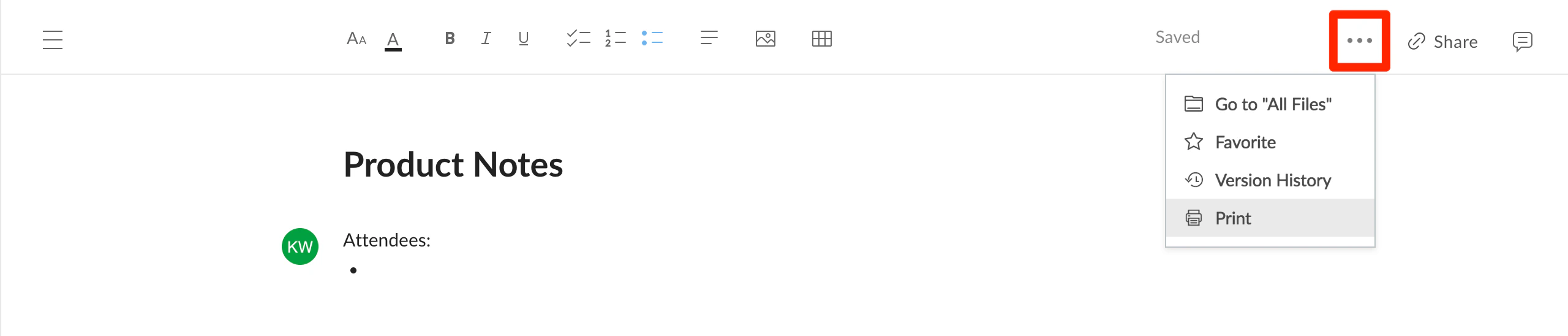
Box Notesを印刷するには、\[**その他のオプション**] メニュー (右上隅の \[**...**]) を開いて、\[**印刷**] を選択します。
 **注**: オペレーティングシステムの \[ファイル] メニューを使用して印刷すると、正しく機能しません。 これは、大部分のブラウザではBox Notesウェブページ内のコンテンツの場所をうまく判別できないことが原因です。