> ## Documentation Index
> Fetch the complete documentation index at: https://docs.box.com/llms.txt
> Use this file to discover all available pages before exploring further.
# Sharepoint Online
This article is about Box Shuttle in the Admin Console. If you’re using legacy Box Shuttle, a standalone tool, see [legacy migration guides](/en/box-shuttle/box-shuttle-legacy).
The first time SharePoint Online admin authentication in a new customer tenant requires a Global Admin. For first time authentications, a principal identity is created for the Shuttle application in the customer tenant. The Global Admin user must already have navigated to the customer tenant admin center.
A Sharepoint admin can also then authenticate SharePoint Online admin systems, only after navigating to the customer Admin center.
## Set up Sharepoint as source system
1. Provide a unique name for the job.
2. Select **Sharepoint Online**.
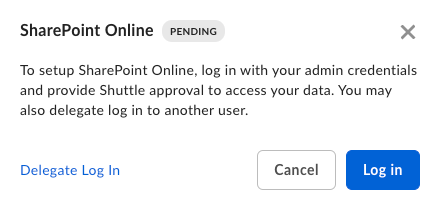
3. Follow the on-screen instructions to connect Sharepoint Online:
1. Log in to Sharepoint using your global admin credentials.
2. Authorize Box Shuttle to access your data.