> ## Documentation Index
> Fetch the complete documentation index at: https://docs.box.com/llms.txt
> Use this file to discover all available pages before exploring further.
# Printing a Box Note
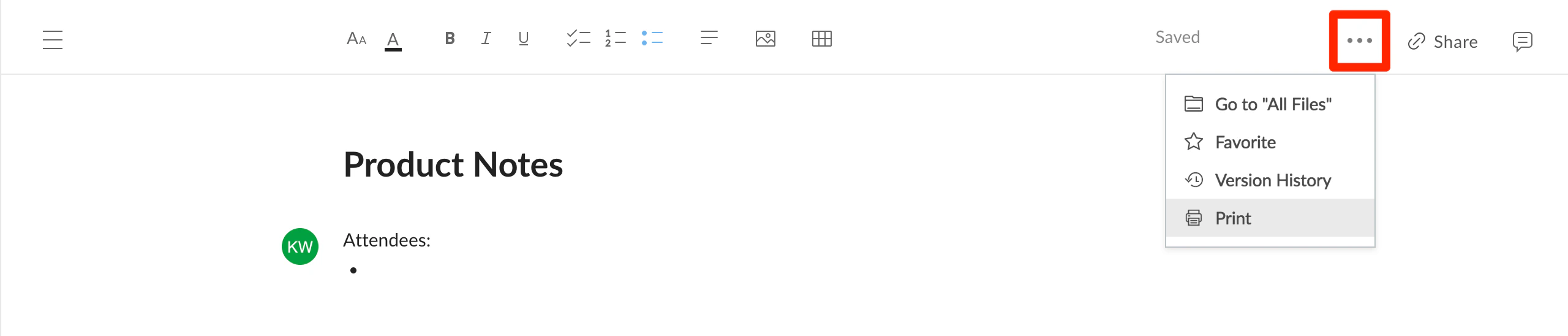
To print Box Notes, open the **More Options** menu (the **ellipses** in the upper right corner) and select **Print**.
 **Note**: Printing using your operating system's File menu will not work correctly. This is because most browsers have difficulty determining the location of content within the Box Notes webpage.