> ## Documentation Index
> Fetch the complete documentation index at: https://docs.box.com/llms.txt
> Use this file to discover all available pages before exploring further.
# Drag and Drop Files into Box
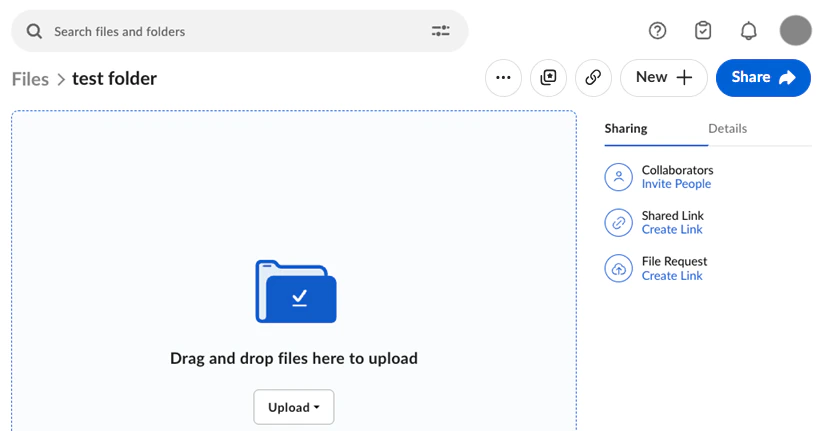
You can drag files from your desktop to the **Files** page in Box. Your files will be uploaded and will appear in the folder where you dropped them.
When you're on the go, you can [use drag-and-drop on iPad](/en/box-mobile/box-for-ios/using-ios-drag-and-drop) to upload to Box.
 **Note:**
* Dragging and dropping entire folders is supported only in Chrome, Firefox, Microsoft Edge, and Safari. For other browsers, use the File Browser or Box Drive.
**Note:**
* Dragging and dropping entire folders is supported only in Chrome, Firefox, Microsoft Edge, and Safari. For other browsers, use the File Browser or Box Drive.